Why is my PDF over 1MB?
A one-page text CV is 1,080 bytes. This page’s own 16:9 PNG is 1.19MB. Forms cap PDFs at 1MB because the photo inside is the file.
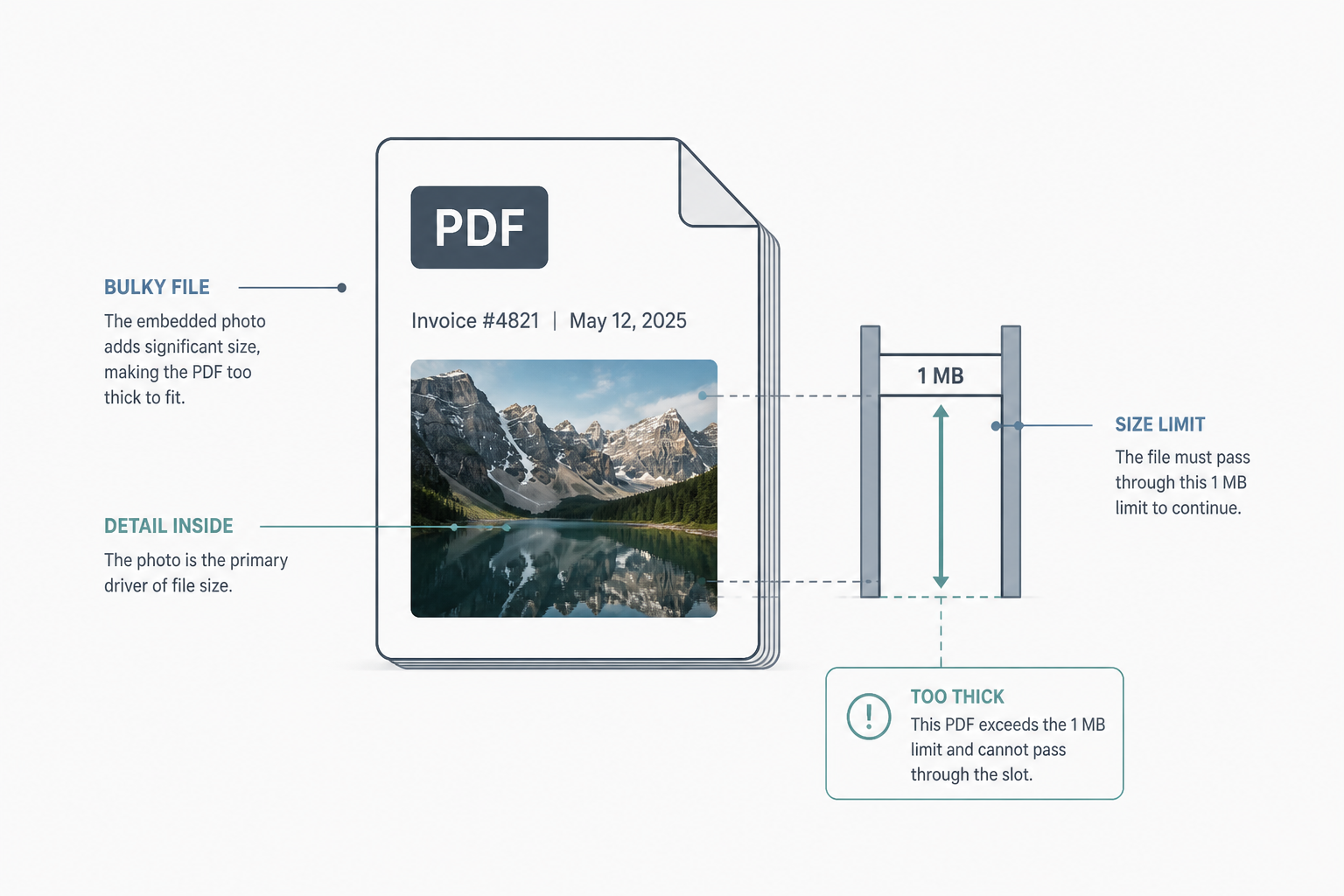
A one-page text CV I generated for this piece is 1,080 bytes. The diagram at the top of this page is 1,186,537 bytes. A form that caps uploads at 1MB would take the CV and reject the picture. The PDF you cannot send is almost never the words.
One megabyte is the default attachment limit on a great many job applications, licensing portals, and “upload your documents” pages. A well-made PDF of text is nowhere near it. The moment a scan, a signature photo, or a camera-roll headshot goes into the file, the meter jumps.
I made the small file on this computer: a single-page PDF of Helvetica lines, no image, no letterhead. 1,080 bytes. That is 1.1 KB. The hero PNG for this article, 16:9, is 1,186,537 bytes, which is 1.19 MB if the form counts a million bytes, and 1.13 MiB if it means 1,048,576. It fails both. The picture is 1,099 times the CV. Nothing about the diagram is a scan of a 40-page packet. It is one illustration, already over the cap.
The cap is leftover email, not a document standard
Email systems spent years treating 1MB as a polite attachment. Applicant tracking software copied the number. The form rarely says whether it means 1,000,000 bytes or 1,048,576. It also rarely says how far over you are. You get “file too large,” not “you are 187 KB over.”
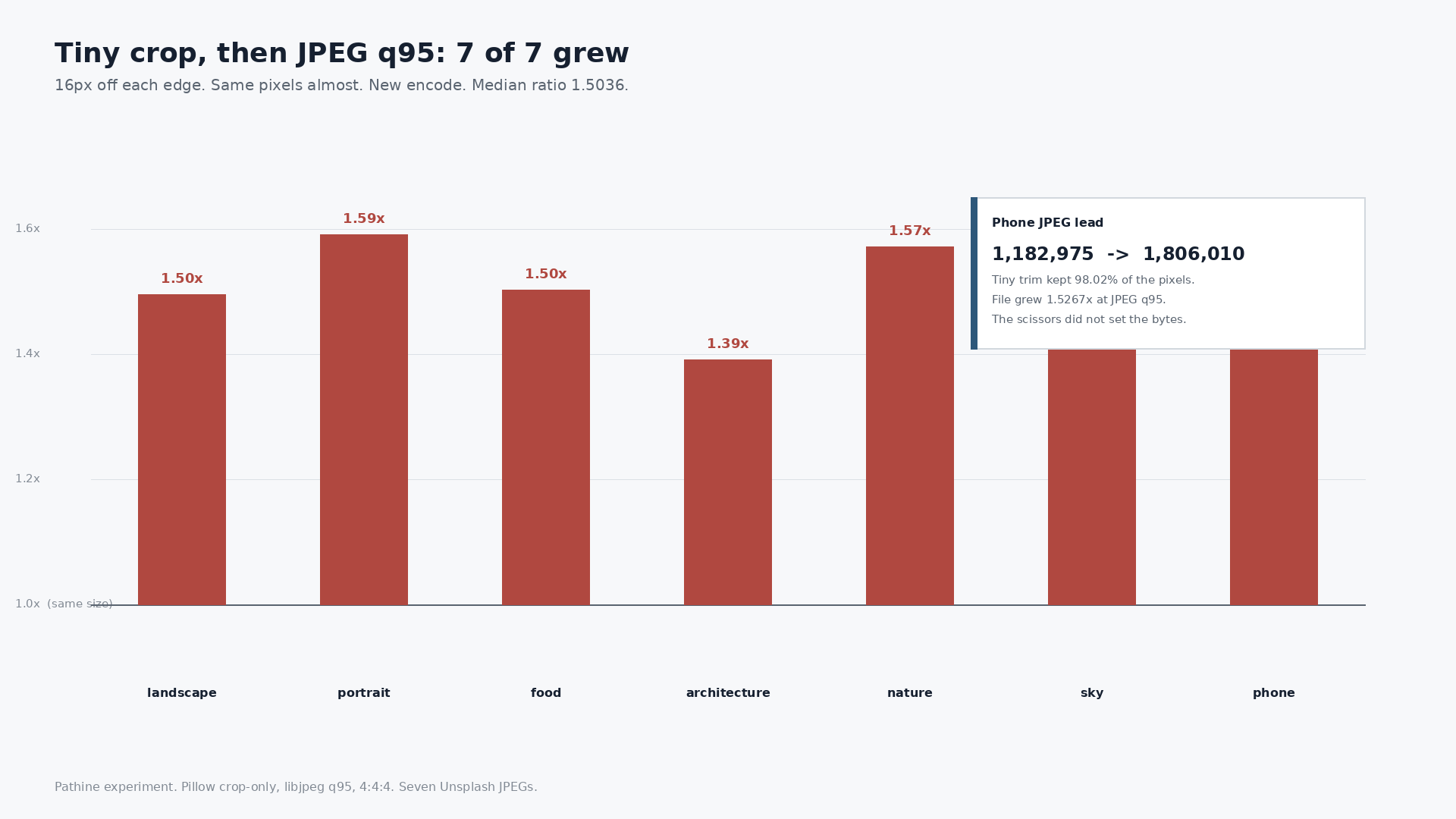
A text CV does not care. A PDF that is mostly letters, numbers, and vector lines stays small because those objects are instructions, not a grid of pixels. A photograph is a grid of pixels. Drop a phone photo onto page two and you have attached the photo, plus a thin wrapper that still says PDF.
Print to PDF can make it worse
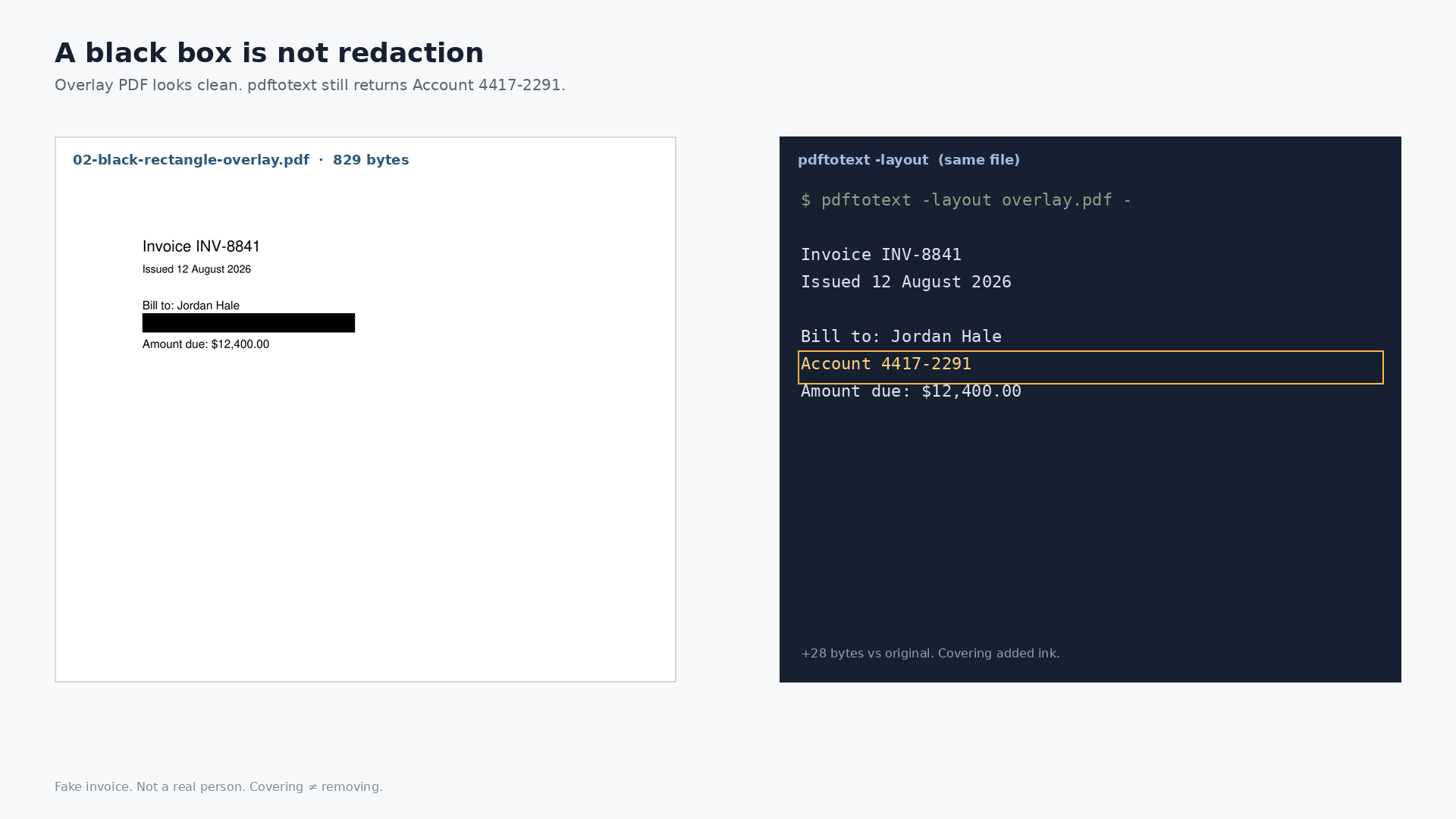
The usual “fix” is Print, Save as PDF. That often re-renders the whole page as an image. Crisp type becomes pixels. The file can get larger, and you lose selectable text. You flattened the document to dodge a cap, then missed the cap anyway.
If the document is already a photograph of a paper (a phone pointed at a certificate), there is no hidden text stream. That PDF is one image. Compressing it is image compression with a .pdf filename. Different problem, same cap.
What actually has to shrink
For a normal report, invoice, or CV with a photo: the words can stay. The images inside have to be re-encoded until the file slips under 1MB. That is the whole job. You do not need a new layout. You need the picture to cost less.
The Pathine compress-PDF-to-1MB tool does that in the browser. It re-encodes the image streams, working down until the file is under 1MB, and leaves text alone. The PDF is never uploaded. If the file is already under the cap, it comes back unchanged. If it cannot get there without wrecking the page, it says how small it can honestly go instead of handing you a blurry raster.
If the thing you have is a photo, not a PDF, the sibling is compress image to 1MB. Same cap, no document wrapper.
A few straight answers
Is 1MB 1,000,000 bytes or 1,048,576?
Forms are sloppy. The PNG on this page is over both, so the distinction would not have saved it. If you are 20 KB over, it might. When in doubt, land under 1,000,000 bytes.
Will compressing the images make my CV look cheap?
Not if the CV is mostly type. Type is untouched. A headshot or a scanned certificate is what gets smaller. 1MB is a comfortable budget for that, which is why the cap survives: it is tight for camera files and loose for text.
I already printed to PDF and it is still 3MB. Now what?
You probably rasterized the page. The “PDF” is a picture. Treat it like an image, or go back to the original file that still has real text and compress the pictures inside that one.
Did you weigh a real job-application packet?
No. I weighed a generated one-page text PDF (1,080 bytes) against this article’s own 16:9 PNG (1,186,537 bytes) on this machine. The point is the ratio, not a claim about your 12-page lease.